

Expenses
Categories, conceptos, logging monthly values, payment sources, and hourly conceptos.
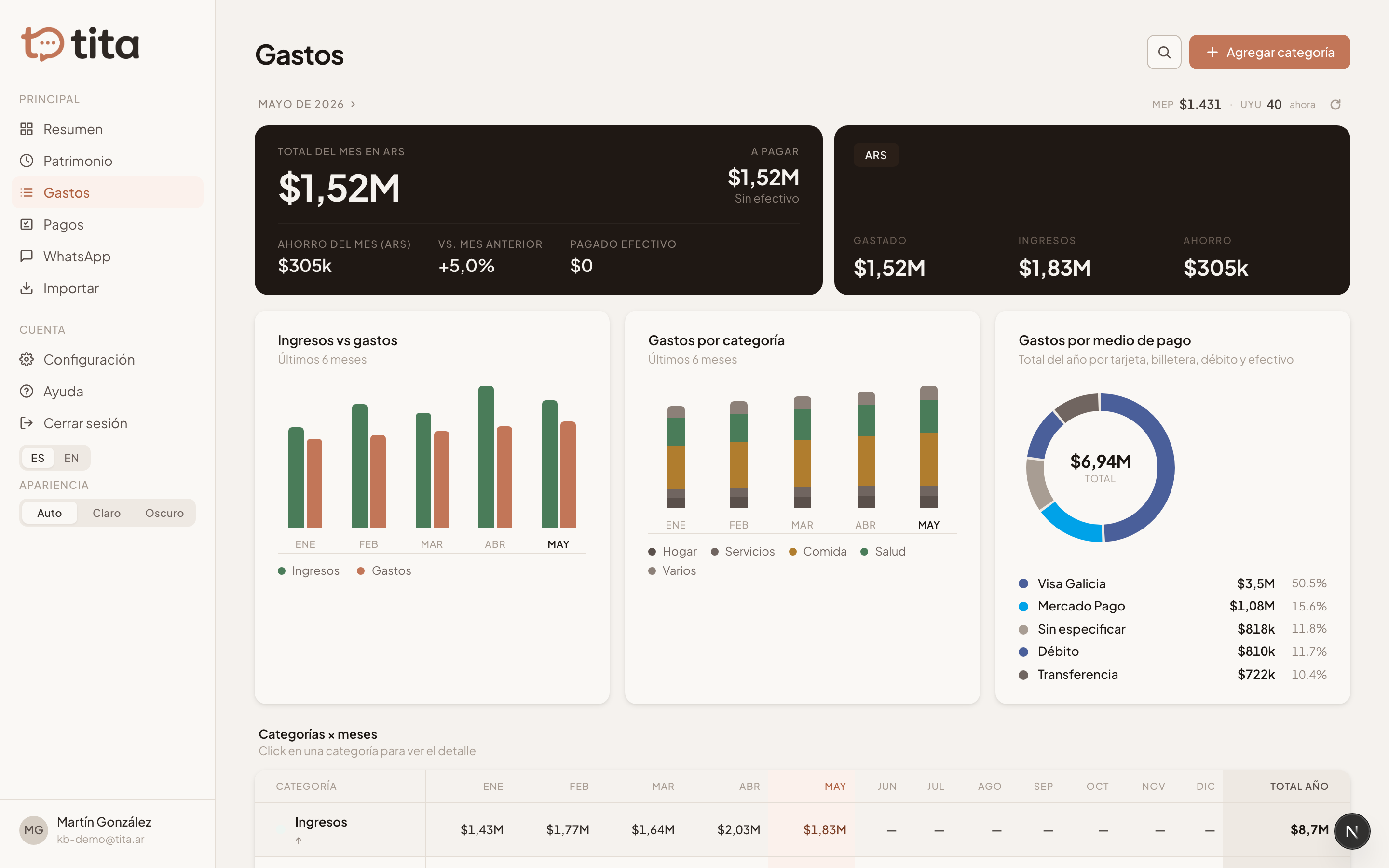
The Expenses section shows how much you spend each month, grouped by category. Each category groups conceptos (the individual line items), and each concepto has a value per month.
Categories and conceptos
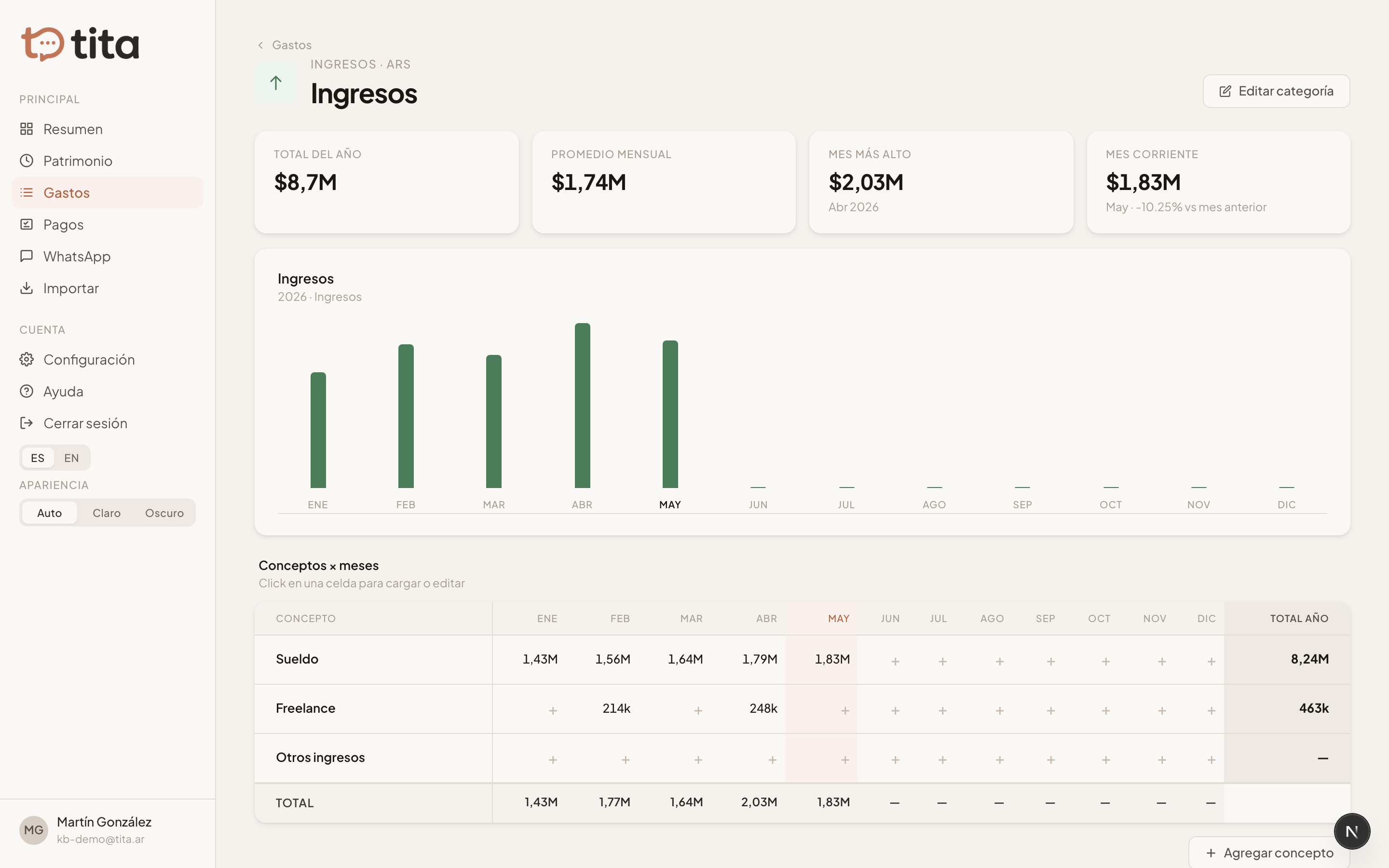
A category (e.g. «Home», «Health», «Car») has a fixed currency. Inside it you create conceptos (e.g. «Electricity», «HOA», «Fuel») and log how much you spent that month for each.
- Open Expenses and tap a category (or create a new one).
- Add a concepto with its name.
- Tap the month and type the amount. Done, it's saved.
Payment sources
You can tie each expense to a payment source (a card, debit, cash, or wallet). This helps reconcile a card statement against what you've already logged. Payment sources are managed in Settings.
Hourly conceptos
Some expenses are paid by the hour (e.g. someone who helps with cleaning). For those, mark the concepto as «hourly»: you log each visit with the hours and an optional travel allowance, and the monthly total is computed and accumulated automatically.