

Import (spreadsheets & statements)
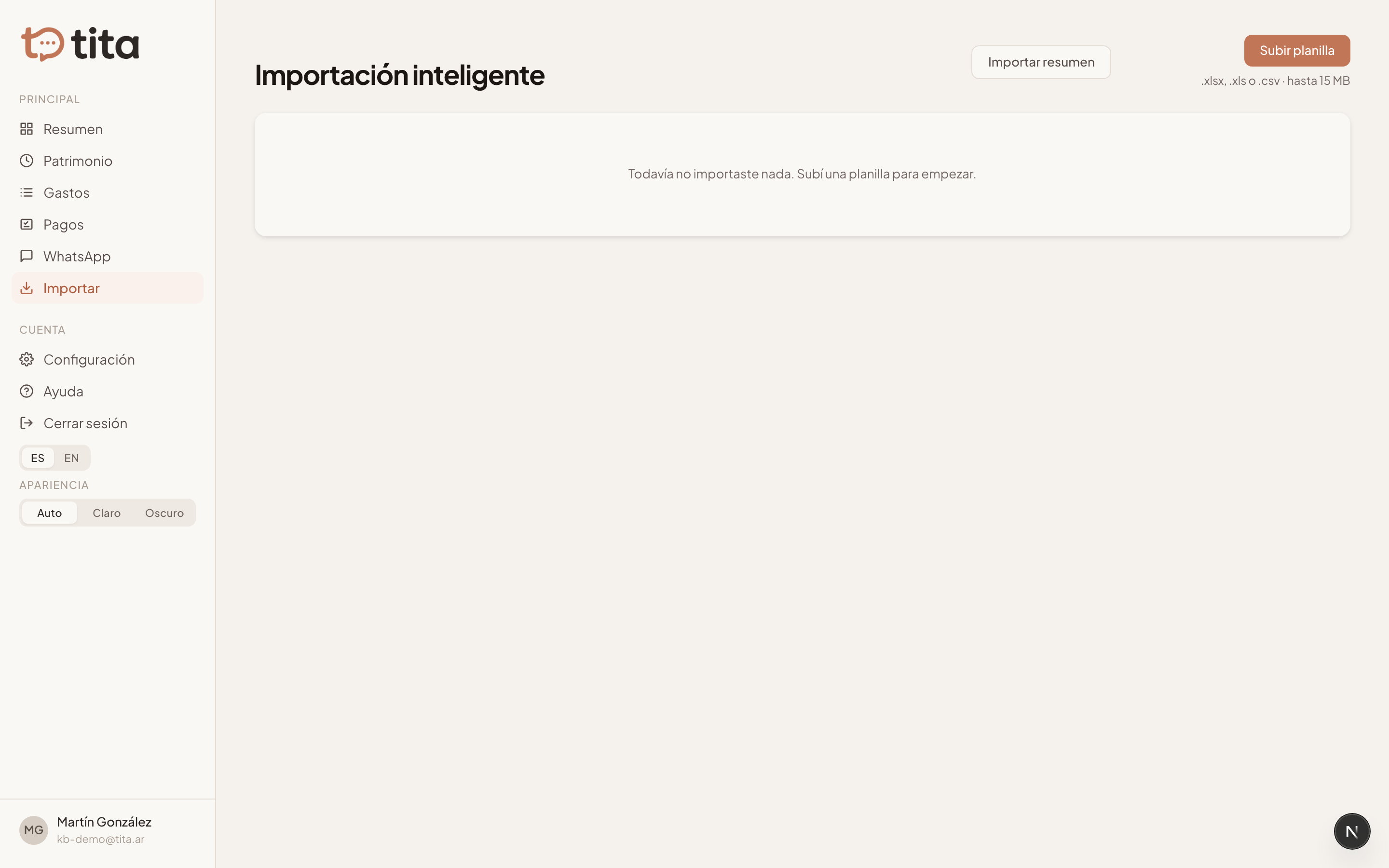
Upload an Excel file or a card statement and Tita extracts the data with AI for you to review.
Already kept your finances in a spreadsheet, or want to load a card's history? Smart import reads the file with AI and proposes the records; you review and approve them before anything is saved.
What you can import
- Excel spreadsheets with your expense or net-worth history.
- Credit-card statements as PDF or image.
How it works
- Upload the file in the Import section.
- Tita processes it and proposes categories, conceptos, and amounts.
- You review the proposal, adjust whatever's needed, and approve.
- Only then is the data written. If something's off, you can revert the whole import.
Statements: past vs. current
If the statement is from a past month (already paid), Tita loads it as that month's expenses, categorizing each charge. If it's the current statement (not yet paid), it loads it as a pending bill in the liquidity checklist.
You can also send the statement to Tita over WhatsApp: if it's unsure whether it's current or past, it asks before loading anything.